
Every tool to run the job. Nothing you don't need.
LandrApp is being built to bring scheduling, crews, clients, money and routes together in one app that works as hard as your team does. New software coming soon.
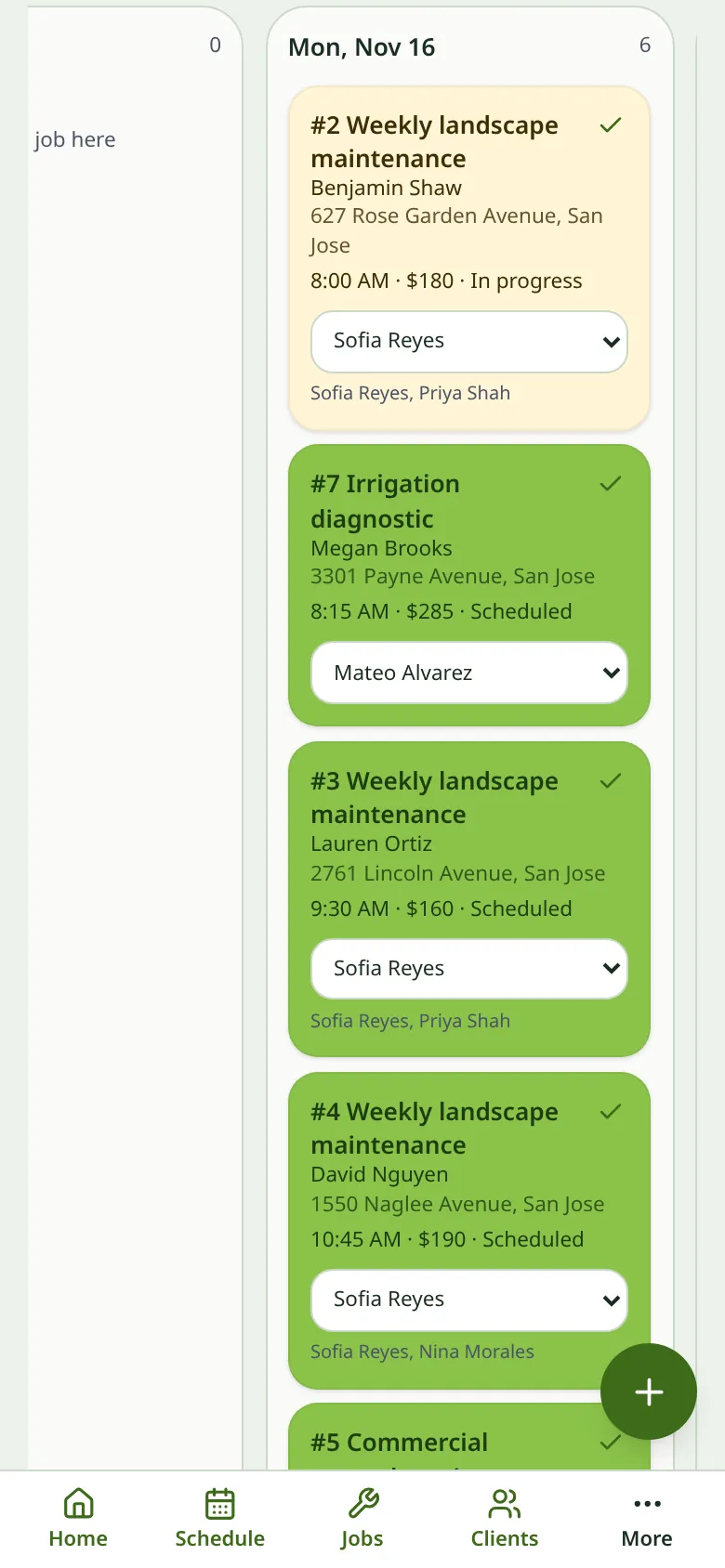
Plan the week in minutes, not hours
See every job and every crew on one calendar. Move a visit with a drag, set weekly or biweekly service once, and let LandrApp fill in the rest of the season.
- Day, week and crew views so you always know who's where.
- Recurring visits for weekly mows, monthly maintenance and seasonal cleanups.
- Rain-day reschedule: push a whole day forward in a couple of taps.
- Crew assignments that show up on each crew member's phone instantly.
Every detail of the job, right where the crew needs it
A job keeps everything together: the property, the work to do, gate codes, notes, checklists and every past visit. Crews open it on site and know exactly what to do.
- One-off and recurring jobs with a visit for each trip to the property.
- Notes and checklists so nothing gets missed, like the back gate or the dog in the yard.
- Visit history showing what was done, by whom and when.
- Mark complete from the field and the office sees it right away.
Win the job with a quote that looks professional
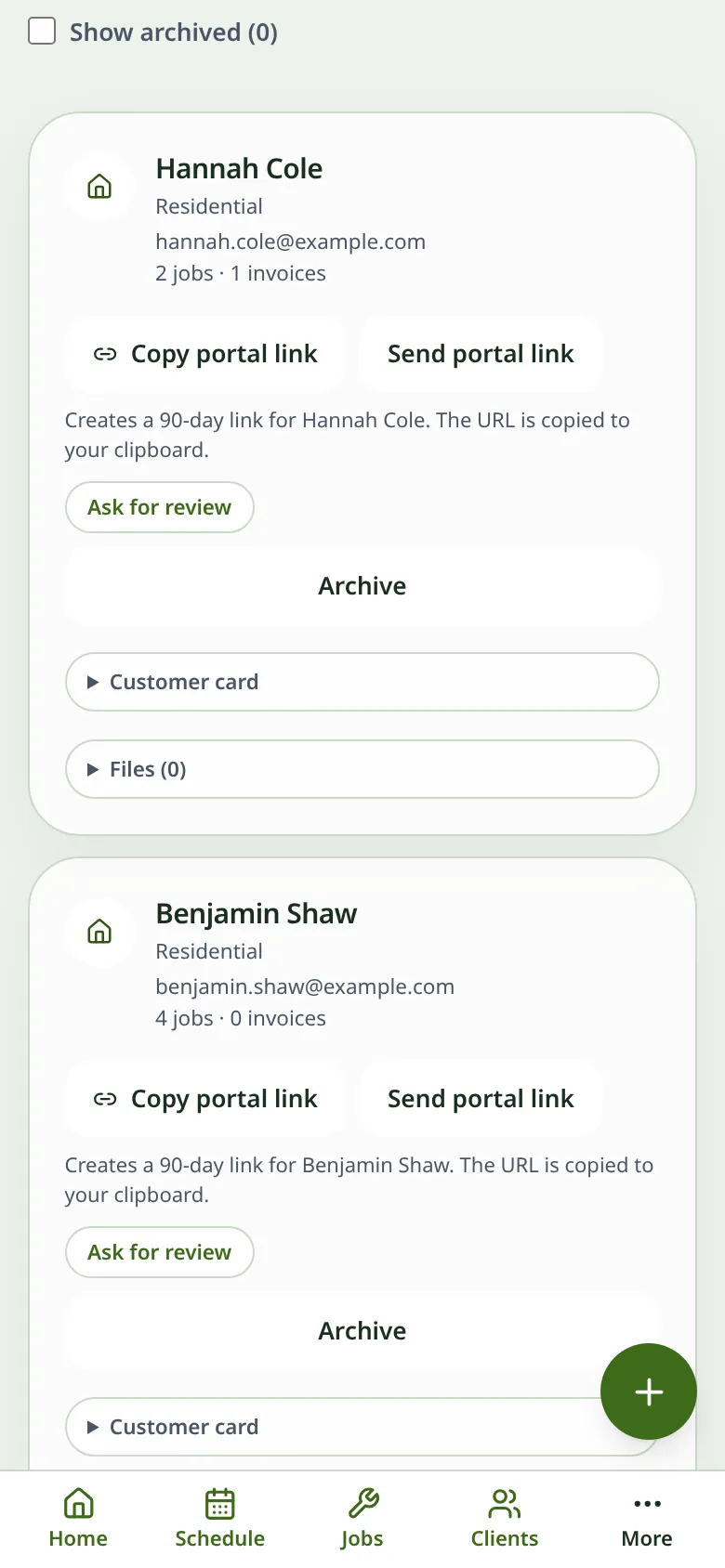
Store each client's contact info, properties and history in one profile. Build a quote from your services, send it by text or email, and turn it into a job when they say yes.
- Client profiles with multiple properties, contacts and notes.
- Quotes in minutes using your saved services and prices.
- Quote to job to invoice without retyping anything.
- Invoices generated from completed visits and sent from your phone.
Accurate hours without paper timesheets
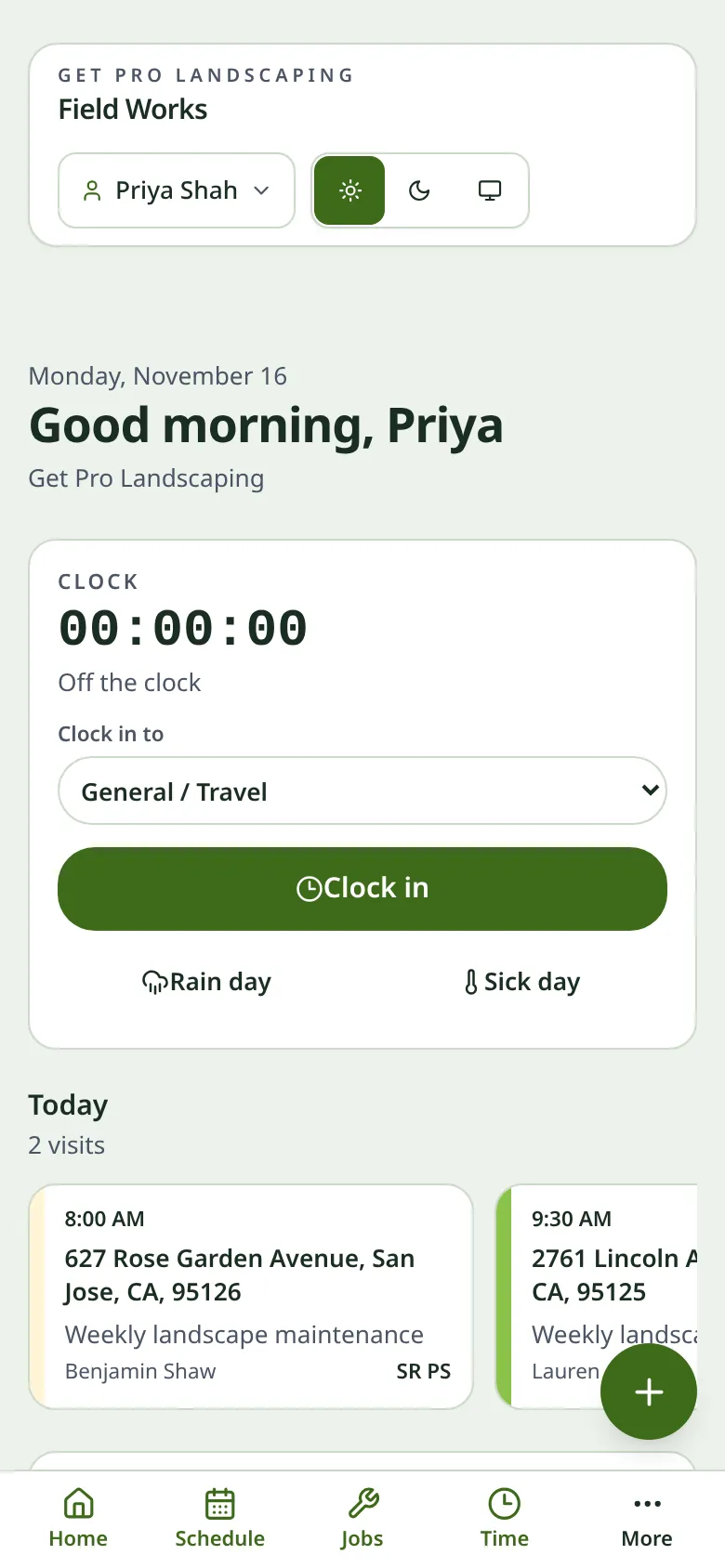
Crew members clock in and out from the app. LandrApp records the time and the GPS location at that moment, so owners get timesheets they can trust and payroll that matches the work.
- One-tap clock in and out with location recorded at each punch.
- Hours by crew member, job and week, ready for payroll.
- See who's on the clock right now from the owner view.
- Edits are logged so corrections stay transparent.
Proof of great work, filed automatically
Snap before-and-after photos and they attach to the visit. Photograph a receipt at the supply yard and it lands on the right job. No more shoeboxes or lost pictures.
- Before and after photos attached to each visit.
- Receipt capture straight from the camera.
- Share photos with clients to show the finished job.
- Backed up to your account, not stuck on one phone.
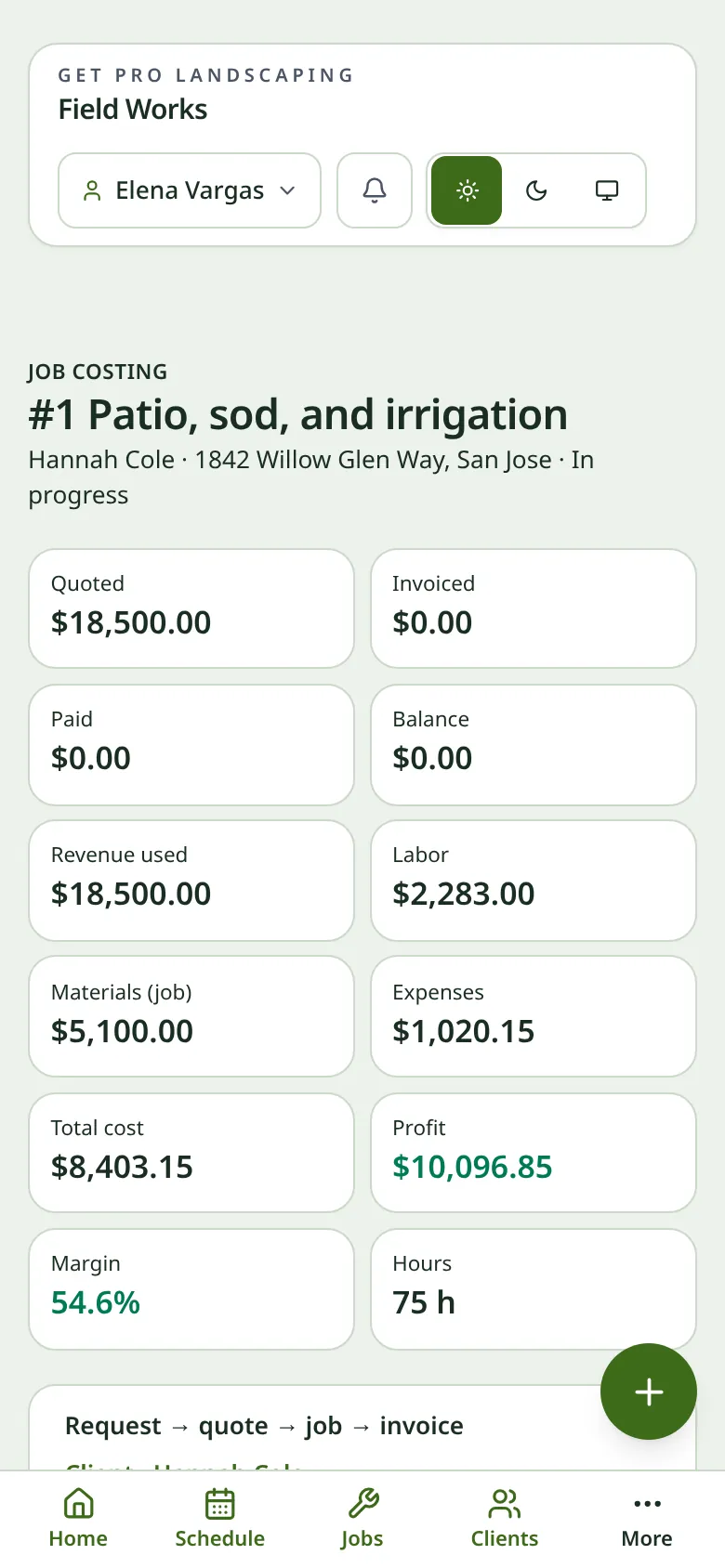
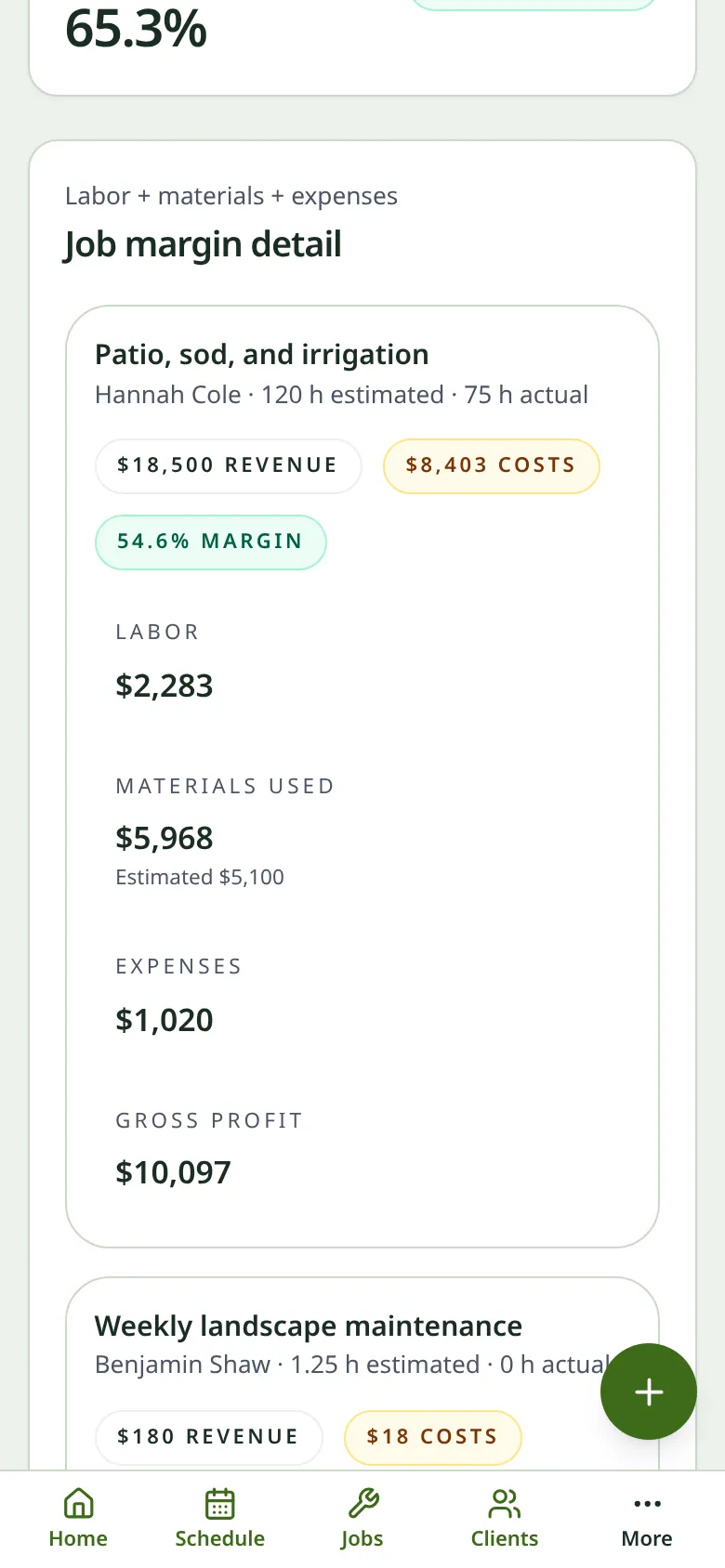
Know what every job really costs
Log fuel, mulch, plants, dump fees and equipment repairs as they happen. Tie expenses to jobs and see where your money goes each month.
- Quick expense entry with category, amount and receipt photo.
- Expenses linked to jobs to see real profit per job.
- Monthly totals by category for easier bookkeeping.
- Clean records for your accountant at tax time.
Smarter routes, less windshield time
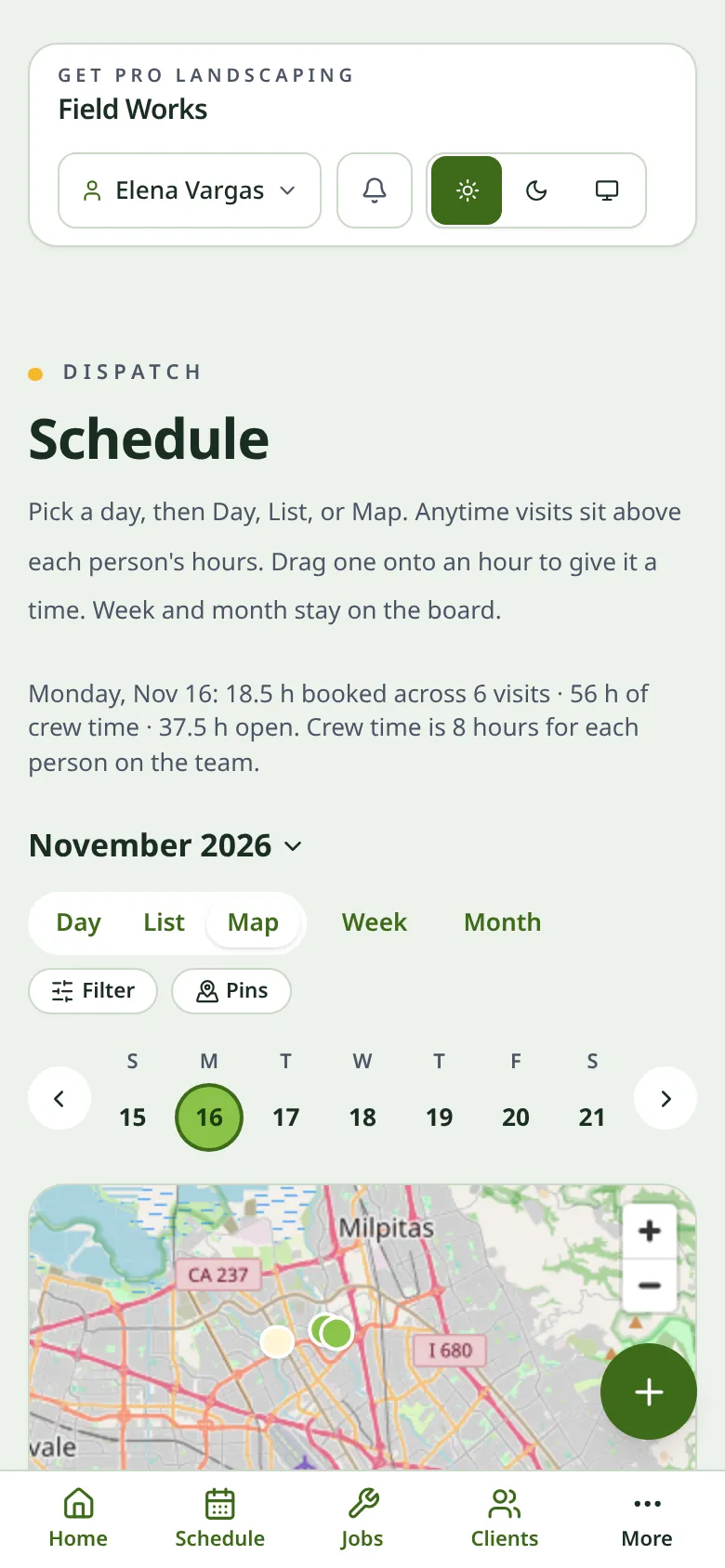
LandrApp puts the day's stops in an efficient order and opens turn-by-turn directions in your favorite maps app. Less driving means more stops and lower fuel bills.
- Optimized stop order for each crew's day.
- Map view of every visit on the schedule.
- One tap to navigate with Apple Maps, Google Maps or Waze.
- Reorder anytime when a client calls with a change.
Keeps working when the signal doesn't
Rural properties and big backyards don't always have coverage. Crews can view jobs, clock in, add notes and take photos offline. Everything syncs as soon as the phone reconnects.
- Today's jobs available offline on every crew phone.
- Clock-ins, notes and photos saved on the device until you're back online.
- Automatic sync with no buttons to remember.
- Clear sync status so you know when everything is up to date.
The right access for the right people
Owners and office staff see everything: clients, pricing, invoices and reports. Crew members get a simple view with just their schedule, jobs, time clock and photos.
- Owner role with full access to clients, money and settings.
- Crew role focused on today's work, with no prices or financials.
- Individual logins so every punch and photo is tied to a person.
- Add or remove crew in seconds when your team changes.
LandrApp is on the way.
A dedicated LandrApp site will be published when it's ready to release. Get in touch if you'd like updates.